
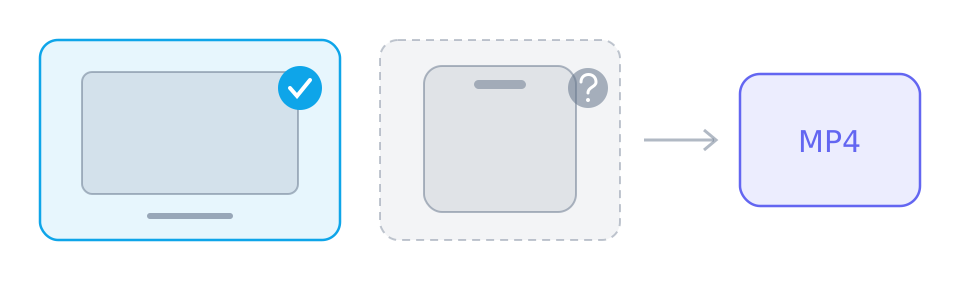
There are two write paths, and the panel uses the better of the two that exists. Knowing which one your browser takes explains both the save dialog and where the finished file lands.
The two ways a page can write a file
The newer path asks you for a location and streams the merged result into it. The fallback writes into temporary browser storage first and then hands the finished file to the download mechanism. The second path is why a browser can merge successfully and still show no dialog.
When the panel says the browser cannot do it
That message appears only when neither path exists. It is characteristic of an older browser or a restricted embedded view — an in-app browser opened from a social app, for instance — rather than a current desktop or mobile browser. The remedy is a normal browser tab, not a setting.
Codecs MP4 can hold
Merging copies the encoded tracks instead of re-encoding them, so a track the MP4 writer cannot hold is refused rather than converted. The writer accepts the common families — AVC, HEVC, VP9 and AV1 for video, AAC among others for audio — and names whatever falls outside that set. Converting it is not offered.
Phones, storage and long merges
A merge needs room for the whole file, and the fallback path may briefly need a second copy when the temporary file is handed to the download. The tab has to stay open for the duration, even though the screen can be off. Names are trimmed and stripped of characters a file system rejects, so the title you see may differ slightly from the file name.
Reference
These tables are shared across the site, so a figure you saw on one page is the figure you see here.
| Task | Desktop | Phone | Why |
|---|---|---|---|
| Download a public link | Depends on source/browser | Depends on source/browser | Requires readable media from a provider; the parser does not inherit your platform login. |
| Download a private, paid or DRM-protected video | No | No | The source never hands the media to an anonymous reader, so there is nothing to copy. |
| Save one track | Depends on source/browser | Depends on source/browser | Requires a readable media file and browser saving support; a manifest alone is not a complete file. |
| Merge two tracks into one MP4 | Depends on source/browser | Depends on source/browser | Uses a save picker or temporary browser storage; browser support, quota and memory determine availability. |
| Convert between formats | No | No | No decoding or re-encoding: single files keep their supplied format, while compatible track pairs can be remuxed into MP4. |
| Remove a watermark | No | No | The file is the platform's own copy; nothing is edited or re-encoded on the way through. |
Background and edge cases
Single-file results skip all of this
When the platform serves one finished file, saving is an ordinary download and none of the write-path requirements apply. The browser limit concerns split tracks only.
Updating the browser is the fix
There is no toggle that adds a missing write path. A current version of a supported browser, opened as a normal tab, is what changes the outcome.