
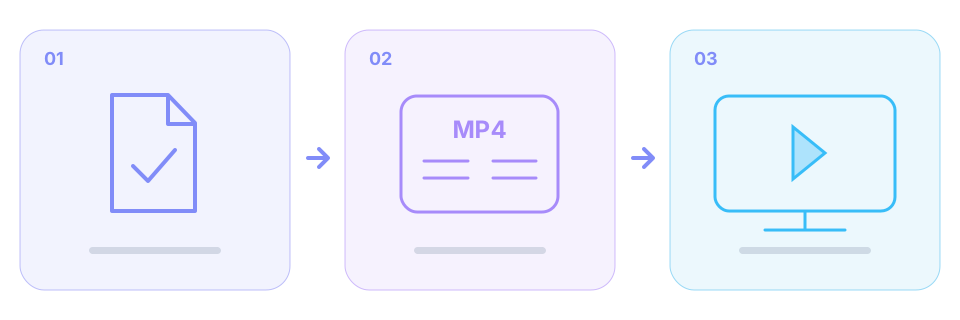
This guide starts after a file has been saved. A download that never starts, failed page verification or an upstream 403 belongs in the download-failure guide first. Renaming a file does not fix those problems.
Make sure it is actually a video file
A web shortcut, unfinished temporary file, cover image or error document is not the finished video. Check the extension, size and download history; a non-zero size alone does not prove completeness. If opening it shows a web page or access-denied text, parse the original content link again.
An MP4 extension does not identify the codec
The container organizes tracks and indexing; the player must also decode the media inside. H.264/AVC video with AAC audio is a common, broadly compatible combination, but not every MP4 uses it. The result panel only shows codec details when the provider supplies them; do not infer them from the extension.
The file never opens or stops halfway through
Check for an interrupted download, full disk or unfinished merge. Compare the source duration with the playable portion; matching durations alone do not prove a complete file. Parse the original page link and download again. This tool does not repair damaged MP4 files or resume a failed merge.
There is audio but a black screen, or a format error
Possible causes include video decoder support, device limits and file damage. Try an updated system player or an already-installed trusted compatible player. If it works there, app compatibility is a useful clue. Select H.264/AVC or another compatible option if returned by the source; lower resolution by itself does not change the codec.
There is a picture but no sound
Check that the original is not silent and that system/player volume is enabled. If the result includes a complementary audio track, use the merge action; a video-only track commonly has no audio. Follow the no-sound guide for the detailed checks rather than assuming the whole file is corrupt.
A finished merge can still meet player limits
Completion means packaging and writing finished, not that every player supports the codecs. SniffVid does not automatically convert HEVC or AV1 to H.264. Changing the filename to .mp4 does not convert its contents either.
What to include in a useful report
Include the public original link, device and player names, exact error, whether merging was required, and approximate file size and duration. Do not send temporary relay URLs, login cookies or verification tokens. These details help distinguish a source issue from local playback support.
Background and edge cases
Expired links do not disable saved files
A file that finished saving is independent of its old download URL. Repeatedly refreshing links cannot fill missing data in a damaged local copy.
When no compatible option is returned
The downloader cannot create a codec or quality missing from the source. A trusted local conversion tool is a separate workflow outside this site’s download and merge features.