
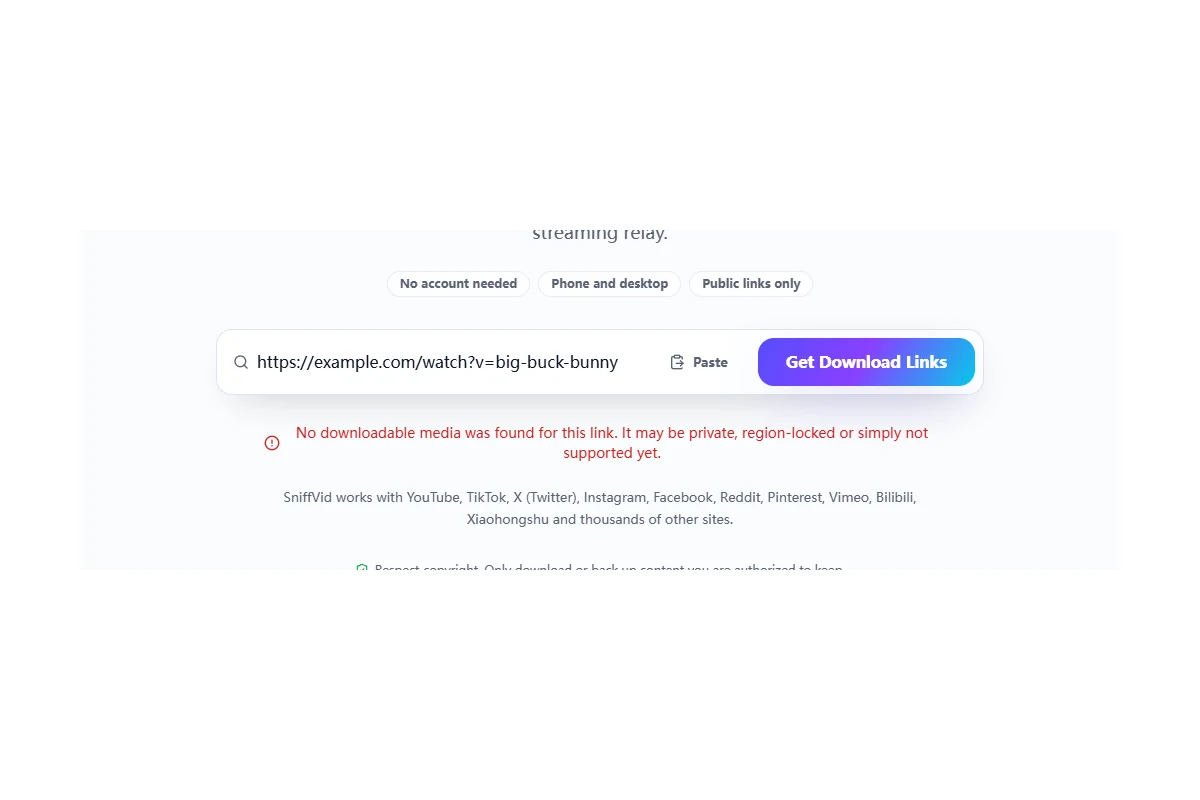
Separate page verification, media access and saving to your device before following the matching steps.
Human verification failed: submit again on this page
If the page explicitly reports a verification failure, click Get Download Links again. The credential in the current downloader lasts up to about 30 minutes; it is renewed near expiry or after rejection. Refreshing or navigating to another page requires a new credential. A media host refusing a file is a separate problem.
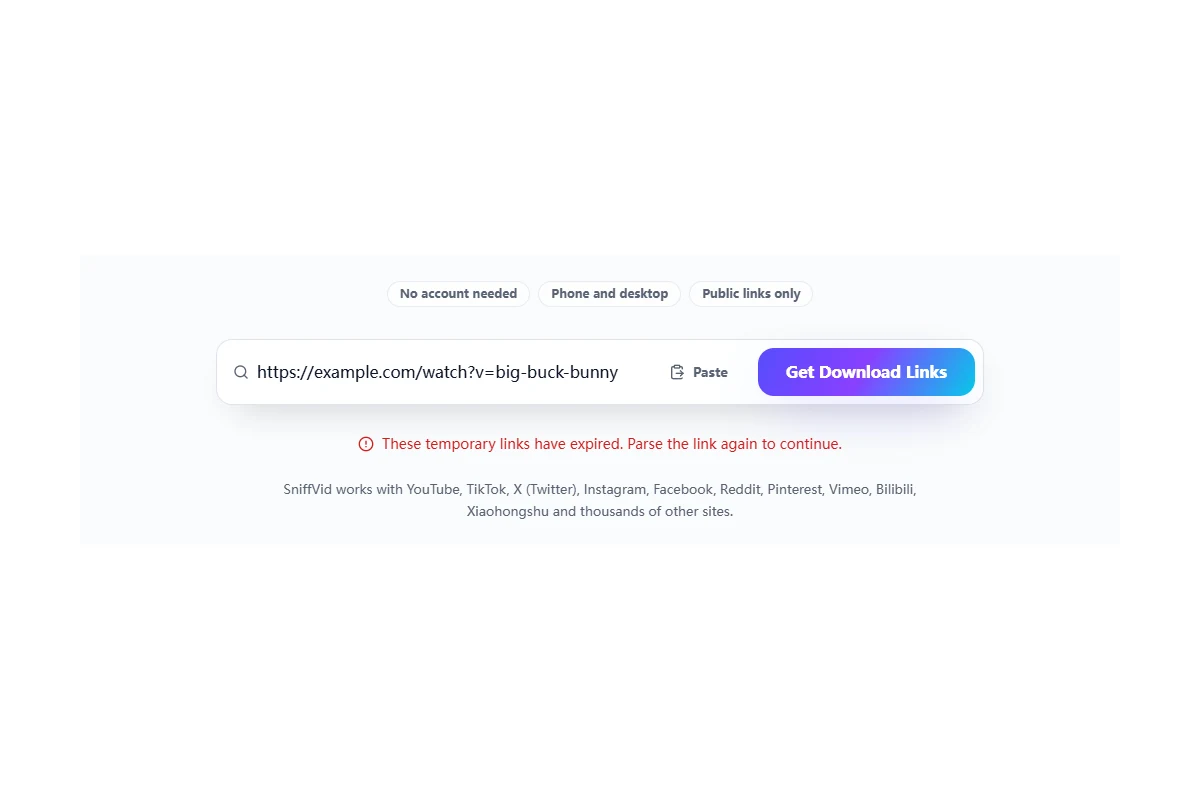
Link expired: parse the original post again
The expiry shown in the panel applies to the temporary media links, usually about 15 minutes; the source address can fail earlier. Click Parse another link and submit the original video or post URL again. Do not repeatedly open an expired download address or treat a relay link as a permanent share URL.
Upstream 403 or media currently unavailable
This means that media access was refused or the returned source could not be read. YouTube and X use the relay by default. The backend checks returned addresses and automatically tries the next provider when necessary. If all providers fail, retry later; the page has no manual provider selector.
- Check that the original post still exists and is publicly accessible. Playing it in a signed-in app does not establish that a parsing service can read it.
- Keep share parameters intact and do not edit signed media URLs or repeatedly click Download. Relaying can address browser cross-origin differences, but cannot guarantee access to restricted media.
- Keep the original URL when reporting a single failing post. If several platforms fail, check that your network can reach SniffVid.
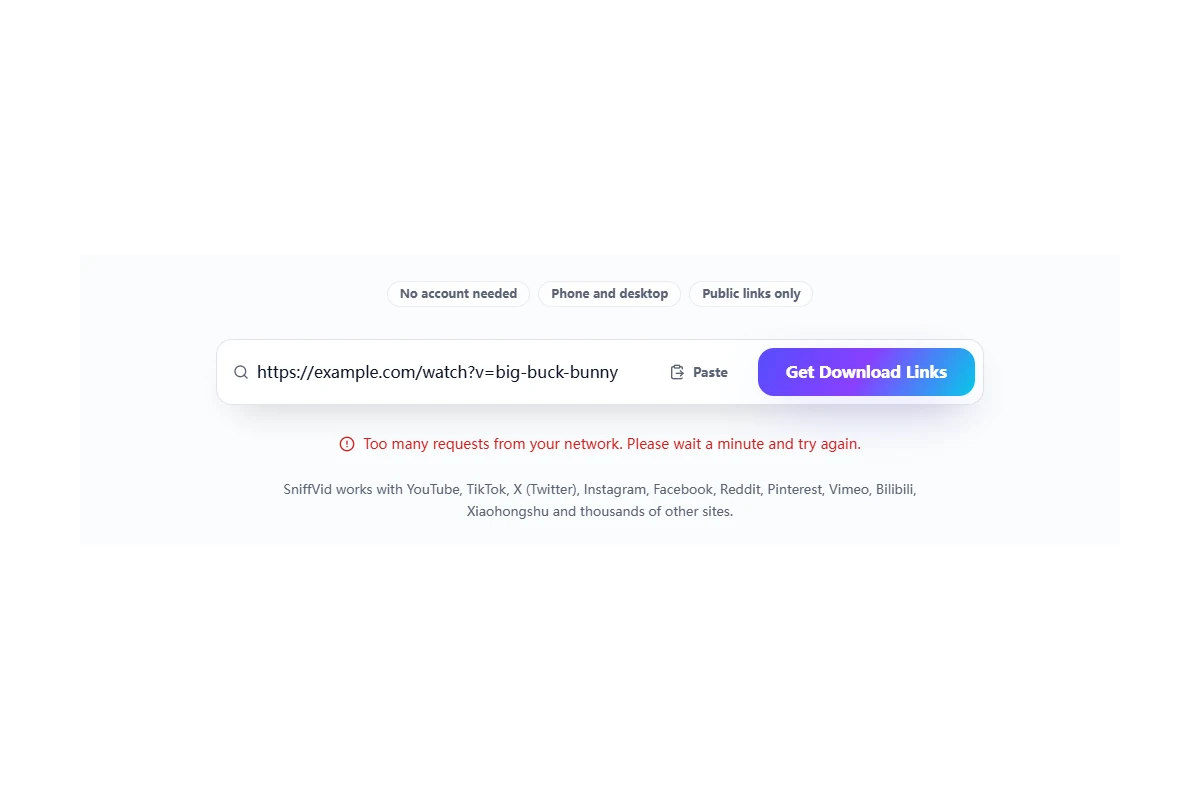
Long parsing, network errors or too many requests
Trying providers in sequence can take time. For a network error, check connectivity and browser blocking notices. If the page says requests are too frequent, wait a minute before retrying. Avoid submitting the same link repeatedly across several tabs.
Save opens a player, or the file is missing
Some browsers open media for playback; check the player download menu or the browser save action. Use a relay button only when the result panel offers it. Check the download list and configured folder. On iPhone, a file in Files is not automatically an item in Photos.
Merging stops, writing fails or a codec is unsupported
Keep the page open, check free storage and allow the browser to finish saving or using temporary storage. For an unsupported codec, try another returned track if available. Repeating the same merge does not convert the codec. If a phone repeatedly fails, try a desktop browser with sufficient storage.
The saved file has no sound
Check the file and playback compatibility separately: a video-only track, a silent original or an unsupported audio codec can all explain it. Use Merge & Save MP4 when complementary tracks are returned. The tool cannot create missing sound.
Background and edge cases
What to include in a report
Include the original public post URL, platform, time and time zone, browser and device, exact page message, and whether parsing, saving or merging failed. Do not send cookies, page verification credentials or signed temporary media links.
What retrying can change
Parsing again requests fresh addresses and retries existing providers. It cannot restore deleted content or guarantee access to private, paid or protected media. Refreshing also clears the current page verification credential.